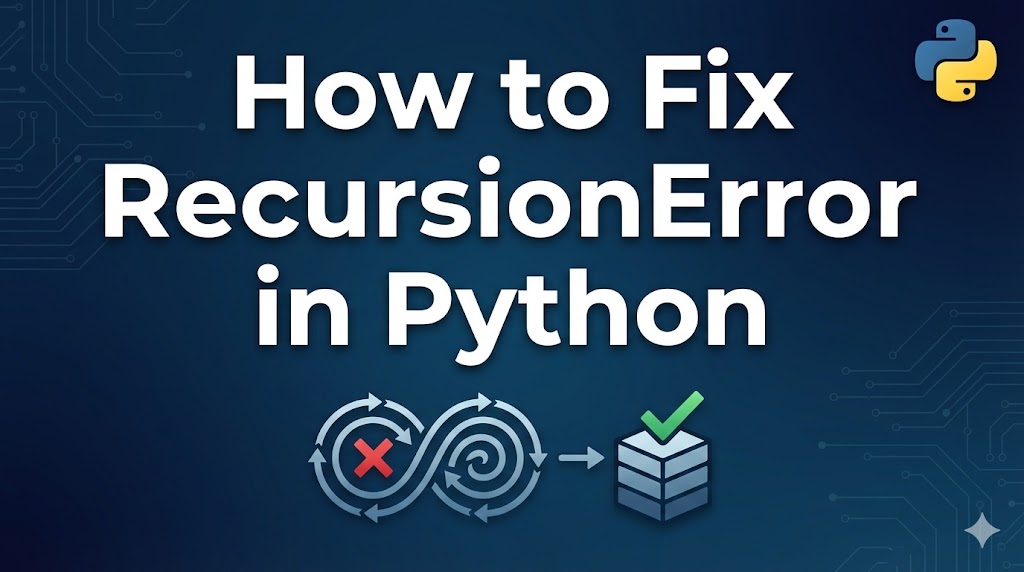
Your Python code just stopped with a RecursionError: maximum recursion depth exceeded. This error might sound strange, but it’s actually telling you something very specific — your function is calling itself over and over without ever stopping.
Don’t worry, this is a common mistake, especially when you’re learning about recursion (when a function calls itself). Let’s break down what’s happening and how to fix it.
目次
What Causes a RecursionError in Python
- Missing or incorrect base case — A recursive function (a function that calls itself) needs a stopping condition. Without it, the function calls itself forever until Python stops it.
- Base case that’s never reached — The stopping condition exists, but the values never actually reach it due to a logic error.
- Accidental infinite recursion — Two or more functions keep calling each other in a loop, or a property/method accidentally triggers itself.
Fix 1: Add or Fix the Base Case
Every recursive function needs a “base case” — a condition that tells it when to stop calling itself and return a result.
Example of the error:
# This will raise RecursionError — no base case!
def countdown(n):
    print(n)
    countdown(n - 1)  # Calls itself forever

countdown(5)
Step 1: Identify what the stopping condition should be. For a countdown, it should stop at zero.
Step 2: Add the base case at the beginning of the function.
def countdown(n):
    if n <= 0:  # Base case: stop when n reaches 0
        print("Done!")
        return
    print(n)
    countdown(n - 1)

countdown(5)
# Output: 5, 4, 3, 2, 1, Done!
If the function prints the countdown and stops at “Done!” without errors, you’ve fixed it.
Step 3: For a classic example like factorial (multiplying all numbers from 1 to n):
def factorial(n):
    if n <= 1:  # Base case
        return 1
    return n * factorial(n - 1)

print(factorial(5))  # Output: 120
If the function returns the correct result without errors, the base case is working.
Fix 2: Check Your Recursive Logic
Sometimes the base case exists but is never reached because the values don’t move toward it.
Example of the error:
# Bug: n + 1 moves AWAY from the base case of n <= 0
def countdown(n):
    if n <= 0:
        return
    print(n)
    countdown(n + 1)  # Wrong! Should be n - 1

countdown(5)
Step 1: Add a print statement to trace what values the function is receiving.
def countdown(n):
    print(f"Called with n = {n}")  # Debug print
    if n <= 0:
        return
    countdown(n + 1)  # We can now see n is increasing, not decreasing

countdown(5)
Step 2: Fix the recursive call so it moves toward the base case.
def countdown(n):
    if n <= 0:
        return
    print(n)
    countdown(n - 1)  # Fixed: now n decreases toward 0

countdown(5)
If the function terminates normally, the logic is now correct.
Fix 3: Convert Recursion to a Loop
If your problem doesn’t truly need recursion, converting it to a loop avoids the RecursionError entirely. Loops (repeating code blocks) don’t have a depth limit.
Step 1: Rewrite the recursive function as a loop.
# Recursive version (can hit RecursionError for large inputs)
def factorial_recursive(n):
    if n <= 1:
        return 1
    return n * factorial_recursive(n - 1)

# Loop version (no RecursionError, works for any size)
def factorial_loop(n):
    result = 1
    for i in range(2, n + 1):
        result *= i
    return result

print(factorial_loop(1000))  # Works perfectly!
If the loop version gives the correct result without errors, you’ve successfully replaced the recursion.
Step 2: For tree-like structures (where recursion seems necessary), you can use a stack (a list that you add to and remove from).
# Instead of recursive tree traversal
def process_items(items):
    stack = list(items)  # Start with all items
    while stack:
        item = stack.pop()
        print(f"Processing: {item}")
        # Add sub-items to the stack if needed
What to Do If It Still Doesn’t Work
- Increase the recursion limit (temporary fix only) — You can raise Python’s limit, but this is usually just hiding the real problem.
import sys
sys.setrecursionlimit(10000)  # Default is 1000
# Warning: setting this too high can crash Python entirely
- Check for circular references — If object A references object B, and B references A, calling a method that traverses these references will loop forever.
- Use a debugger — Set a breakpoint in your recursive function and step through each call to see where the logic goes wrong.
- Simplify your test case — Try calling the function with the smallest possible input (like 1 or 2) and manually trace what happens.
Summary
- A RecursionError means a function is calling itself endlessly because there’s no proper stopping condition (base case).
- Always make sure your recursive function has a base case and that each recursive call moves closer to it.
- When in doubt, convert the recursion to a loop — it’s often simpler and avoids the depth limit entirely.
Related articles:
- syntax-error-invalid-syntax.html
- type-error-python.html
- name-error-not-defined.html















Leave a Reply