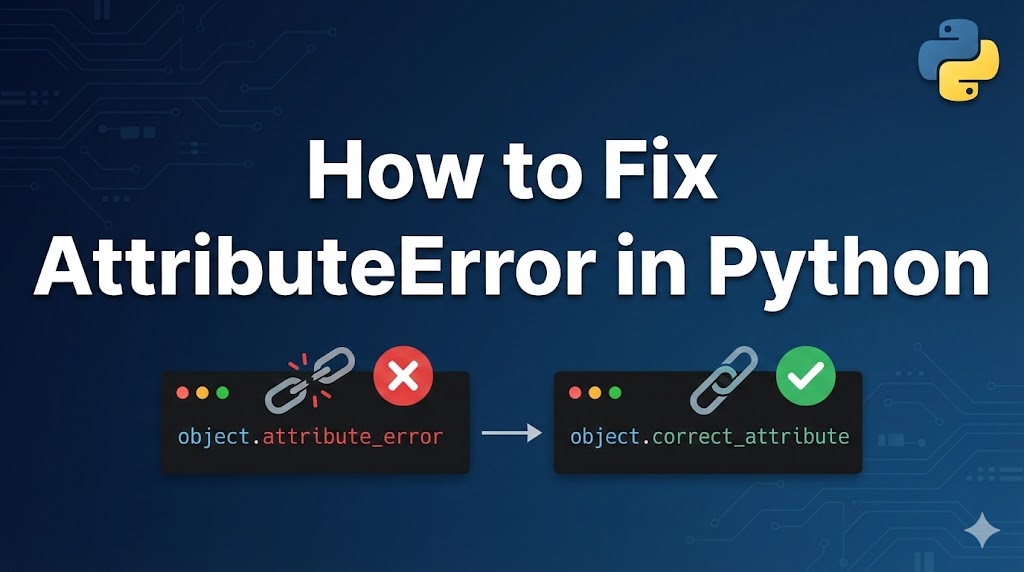
You ran your Python code and got an AttributeError. It looks confusing, but don’t worry — this is a very common error and it’s usually easy to fix.
An AttributeError means you tried to use a method or property (a feature that belongs to an object) that doesn’t exist on that particular object. It’s like trying to open a car door with a house key — wrong key for that lock.
Let’s look at why this happens and how to solve it.
目次
What Causes an AttributeError in Python
- Calling a method on the wrong data type — For example, trying to use
.append()on a string instead of a list. - Typos in method or attribute names — Writing
.apped()instead of.append(). - A variable is
Nonewhen you expected something else — A function returnedNone(nothing) and you tried to use a method on it.
Fix 1: Check the Data Type of Your Variable
The most common cause is calling a method that doesn’t belong to that type. For example, strings don’t have .append() and lists don’t have .split().
Example of the error:
# This raises AttributeError: 'str' object has no attribute 'append'
text = "hello"
text.append(" world")
Step 1: Check what type your variable actually is.
text = "hello"
print(type(text))  # Output: <class 'str'>
Step 2: Use the correct method for that type.
# For strings, use + or .join() to combine text
text = "hello"
text = text + " world"
print(text)  # Output: hello world
If the output shows the combined text without errors, you’re all set.
Step 3: If you’re not sure what methods are available, use dir().
# List all available methods for a string
text = "hello"
print([m for m in dir(text) if not m.startswith("_")])
This shows every method you can use on that object.
Fix 2: Handle the None Problem
Many Python functions return None instead of a value in certain situations. If you try to call a method on None, you get an AttributeError.
Example of the error:
# .sort() modifies the list in place and returns None
my_list = [3, 1, 2]
sorted_list = my_list.sort()  # sort() returns None!
print(sorted_list.reverse())  # AttributeError: 'NoneType' has no attribute 'reverse'
Step 1: Check if the variable is None before using it.
my_list = [3, 1, 2]
sorted_list = my_list.sort()
print(sorted_list)  # Output: None — this confirms the problem
Step 2: Fix the code so the variable has the correct value.
# Option A: sort() modifies in place, so use the original list
my_list = [3, 1, 2]
my_list.sort()
print(my_list)  # Output: [1, 2, 3]

# Option B: use sorted() which returns a new sorted list
my_list = [3, 1, 2]
sorted_list = sorted(my_list)
print(sorted_list)  # Output: [1, 2, 3]
If the sorted list prints correctly, the problem is solved.
Fix 3: Fix Typos in Method Names
Python is very strict about spelling. Even one wrong letter causes an AttributeError.
Example of the error:
# This raises AttributeError: 'str' object has no attribute 'uper'
text = "hello"
print(text.uper())  # Should be .upper()
Step 1: Read the error message carefully — it tells you the exact attribute name that wasn’t found.
Step 2: Fix the spelling.
text = "hello"
print(text.upper())  # Output: HELLO
If the method works correctly, you’ve fixed the typo.
Common typos to watch for:
# Wrong → Right
# .appned()  → .append()
# .lennght   → len()  (length is a built-in function, not a method)
# .strip()   works, but .trip() doesn't
# .replace() works, but .Replace() doesn't (case matters!)
What to Do If It Still Doesn’t Work
- Check the Python documentation — Search for the object type and see what methods are available.
- Check your imports — If you’re using a library (code written by others), make sure you imported it correctly and are using the right version.
- Add
print(type(variable))right before the error line to confirm what type the variable actually is. - Check for variable shadowing — Make sure you haven’t accidentally overwritten a variable with a different type earlier in your code.
Summary
- An AttributeError means you used a method or property that doesn’t exist on that object type.
- The most common cause is calling a method on the wrong type or on
None. - Always check the type of your variable with
type()and look for typos in method names.
Related articles:
- type-error-python.html
- name-error-not-defined.html
- valueerror-python.html















Leave a Reply