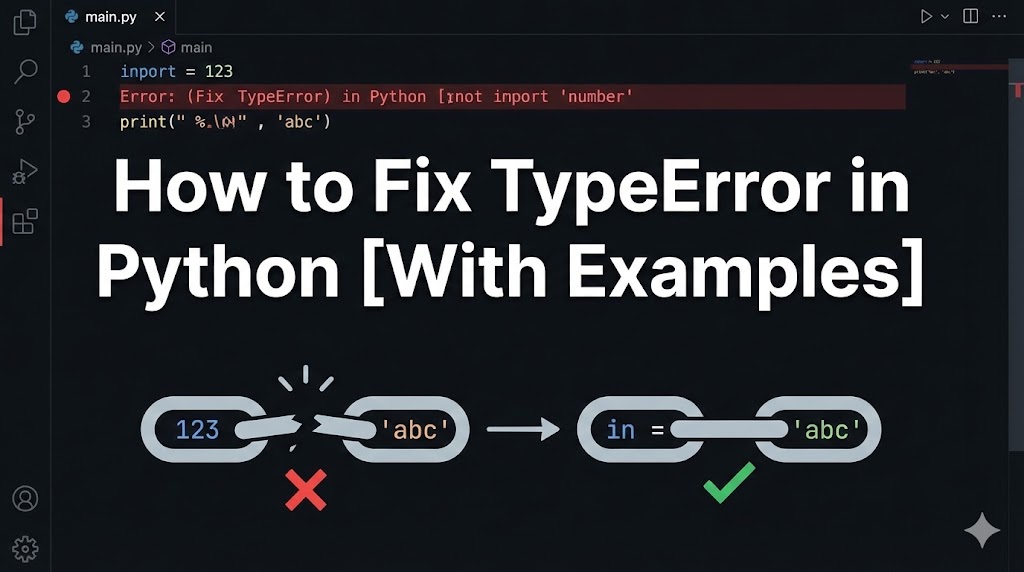
Your Python code was running and then suddenly: “TypeError: …” — what just happened?
A TypeError means you tried to do something with the wrong type of data — like adding a number to a piece of text. Python is strict about types, so it stops you instead of guessing what you meant.
Don’t worry, TypeErrors are very common and usually easy to fix once you understand the pattern. This guide shows you the most frequent cases and how to handle each one.
目次
Why TypeError happens in Python
TypeError occurs when an operation or function receives a value of the wrong type. Common causes include:
- Mixing strings and numbers: Trying to combine text and numbers without converting them first
- Wrong number of arguments: Passing too many or too few values to a function
- Using the wrong operation on a data type: For example, trying to use math on something that isn’t a number
Solution 1: Fix string and number mixing (most common fix)
The most frequent TypeError is trying to combine a string (text) with a number.
1. Identify the error
# Example error
TypeError: can only concatenate str (not "int") to str
This means you tried to join a string and an integer with +.
2. Convert the number to a string
# ✗ This causes TypeError
age = 25
message = "I am " + age + " years old"

# ✓ Fix: convert the number with str()
age = 25
message = "I am " + str(age) + " years old"
Wrapping the number in str() converts it to text so it can be joined with other text.
3. Or use f-strings (the modern way)
# ✓ f-strings handle the conversion automatically
age = 25
message = f"I am {age} years old"
print(message)
F-strings (formatted string literals) are the cleanest approach — just put f before the quotes and use {} for variables. If your code runs without errors, you’ve fixed it.
Solution 2: Fix wrong number of function arguments
Another common TypeError is passing the wrong number of arguments to a function.
1. Read the error message
# Example error
TypeError: greet() takes 1 positional argument but 2 were given
This tells you the function expected 1 argument but received 2.
2. Match the number of arguments
# ✗ Function expects 1 argument, but you passed 2
def greet(name):
    print(f"Hello, {name}")

greet("Alice", "Bob")  # ← TypeError: 2 arguments given

# ✓ Fix: pass the correct number of arguments
greet("Alice")
Check the function definition to see how many arguments it expects, then match your function call.
3. For class methods, remember “self” counts
# ✗ Common mistake with class methods
class Dog:
    def bark():  # ← Missing "self" parameter
        print("Woof!")

my_dog = Dog()
my_dog.bark()  # TypeError: bark() takes 0 arguments but 1 was given

# ✓ Fix: add "self" as the first parameter
class Dog:
    def bark(self):
        print("Woof!")
In Python classes, every method needs self as its first parameter. If the error disappears, you’re done.
Solution 3: Fix unsupported operations between types
Sometimes you accidentally perform math or comparisons on incompatible types.
1. Check the error details
# Example error
TypeError: unsupported operand type(s) for +: 'int' and 'list'
This tells you which types were involved and which operation failed.
2. Convert input to the correct type
# ✗ User input is always a string — math on it fails
user_input = input("Enter a number: ")  # Returns "5" (a string)
result = user_input + 10  # TypeError!

# ✓ Fix: convert the input to a number first
user_input = input("Enter a number: ")
result = int(user_input) + 10
print(result)
input() always returns a string in Python 3. Use int() or float() to convert it to a number before doing math.
3. Check variable types when debugging
# Use type() to check what type a variable actually is
x = "42"
print(type(x))  # → <class 'str'> — it's a string, not a number!
x = int(x)
print(type(x))  # → <class 'int'> — now it's a number
If you see an unexpected type, that’s where the conversion needs to happen.
If nothing works
If you can’t figure out the TypeError:
- Print the types of all variables involved: Add
print(type(variable))before the error line to see exactly what types you’re working with - Check the documentation: Look up the function you’re calling to confirm what types it expects
- Tip for asking for help: Include the full error traceback, the code around the error line, and the output of
type()for the variables involved
Summary
- TypeError means you used the wrong data type — the most common case is mixing strings and numbers (use
str()or f-strings to fix it) - Check that you’re passing the right number of arguments to functions, and don’t forget
selfin class methods - Use
type()to inspect variables when you’re not sure what type they are
Related articles:
- syntax-error-invalid-syntax.html (SyntaxError: invalid syntax — causes and fixes)
- module-not-found-error.html (How to fix ModuleNotFoundError)
















Leave a Reply