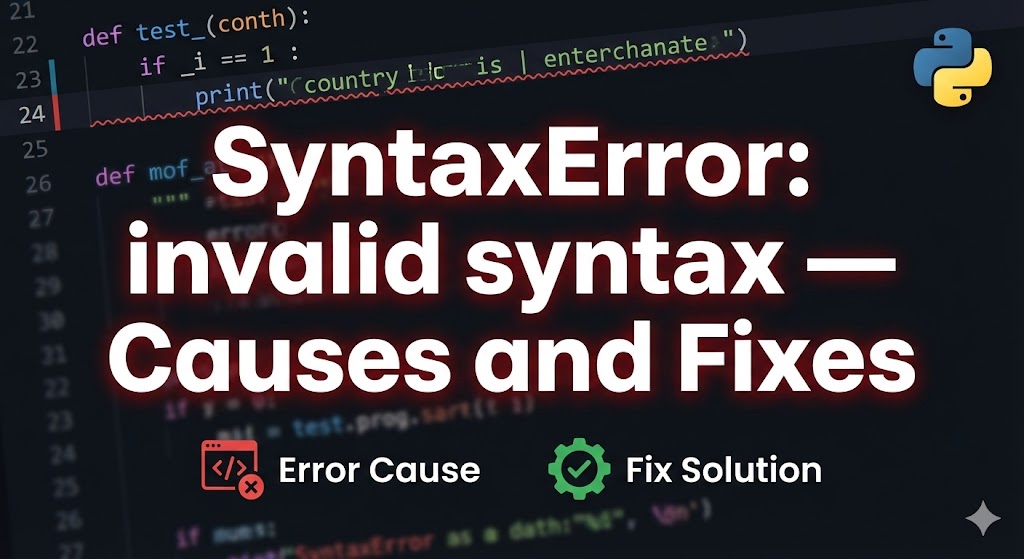
You ran your Python code and got “SyntaxError: invalid syntax” — what does that even mean?
This error means there’s a mistake in how your code is written — Python can’t understand it. It’s one of the most frequent errors when you’re starting out, so you’re definitely not alone.
This article covers the most common causes of SyntaxError with concrete examples and shows you how to fix each one.
目次
Why SyntaxError: invalid syntax happens
SyntaxError means “Python found something in your code that doesn’t follow its rules.” The most common causes are:
- Missing closing brackets or quotes: You opened a parenthesis or quotation mark but forgot to close it
- Missing colon (:): if statements, for loops, and function definitions require a colon at the end
- Indentation errors: Python uses whitespace to define code structure, and inconsistent spacing causes problems
Solution 1: Check brackets and quotation marks (most common fix)
The number one cause of SyntaxError is mismatched or missing brackets and quotes.
1. Look at the line the error points to
# Example error message
  File "sample.py", line 3
    print("Hello World)
                      ^
SyntaxError: invalid syntax
The “^” caret points to where Python got confused. Note that the actual mistake might be on the line above, so check the surrounding lines too.
2. Check for these common mistakes
# ✗ Missing closing quote
print("Hello World)

# ✓ Correct
print("Hello World")

# ✗ Missing closing parenthesis
print("Hello World"

# ✓ Correct
print("Hello World")

# ✗ Mismatched bracket types
my_list = [1, 2, 3)

# ✓ Correct
my_list = [1, 2, 3]
Count your opening and closing brackets one by one to make sure they match. If they do, move on to the next solution.
Solution 2: Check for missing colons and commas
Forgetting the colon at the end of if, for, or def statements is another classic SyntaxError cause.
1. Check colons on if/for/def statements
# ✗ Missing colon after if
if x == 1
    print("one")

# ✓ Correct
if x == 1:
    print("one")

# ✗ Missing colon after for
for i in range(10)
    print(i)

# ✓ Correct
for i in range(10):
    print(i)

# ✗ Missing colon after def
def hello()
    print("hello")

# ✓ Correct
def hello():
    print("hello")
Confirm the colon is present and you’re good.
2. Also check for missing commas in lists and dictionaries
# ✗ Missing comma between items
my_dict = {"name": "Taro" "age": 20}

# ✓ Correct
my_dict = {"name": "Taro", "age": 20}
Solution 3: Watch out for Python 2 vs. Python 3 syntax
If you copied code from an old tutorial, it might use Python 2 syntax that doesn’t work in Python 3.
1. Check your print statements
# ✗ Python 2 syntax (causes SyntaxError in Python 3)
print "Hello"

# ✓ Python 3 syntax
print("Hello")
In Python 3, print is a function and requires parentheses.
2. Check for full-width (non-ASCII) characters
# ✗ Full-width parentheses (hard to spot visually)
print("Hello")  # ← These parentheses are full-width characters

# ✓ Use standard half-width characters
print("Hello")
If you’re using a non-English keyboard, full-width spaces or punctuation can sneak into your code. They look similar but Python can’t understand them.
If nothing works
When you can’t find the mistake, try these approaches:
- Comment out lines to isolate the problem: Start from working code and uncomment lines one at a time to find which line causes the error
# Comment out suspicious lines with "#" and see if the error goes away
# print("Is this the problem line?")
print("This line is fine")- Use your editor’s syntax highlighting: Editors like VS Code show syntax errors with red underlines before you even run the code. Install the Python extension for the best experience
- Tip for asking for help: When posting on forums, include the full error message and 5 lines of code above and below the error line. This gives people the context they need to help you
Summary
- The most common cause of SyntaxError is missing closing brackets or quotation marks
- Don’t forget the colon after if, for, and def statements, and watch out for full-width characters
- The “^” caret shows where Python got confused, but always check the line above it too
Related articles:
- pip-install-error.html (How to fix pip install errors)
- module-not-found-error.html (How to fix ModuleNotFoundError)
- vscode-japanese-encoding.html (How to fix character encoding in VS Code)







Leave a Reply